


Description
Download Reeder 2 – Elegant RSS Reader for macOS, free, secure, and fully integrated
Overview – Why Reeder 2 is the Go‑to RSS Reader for Mac Users
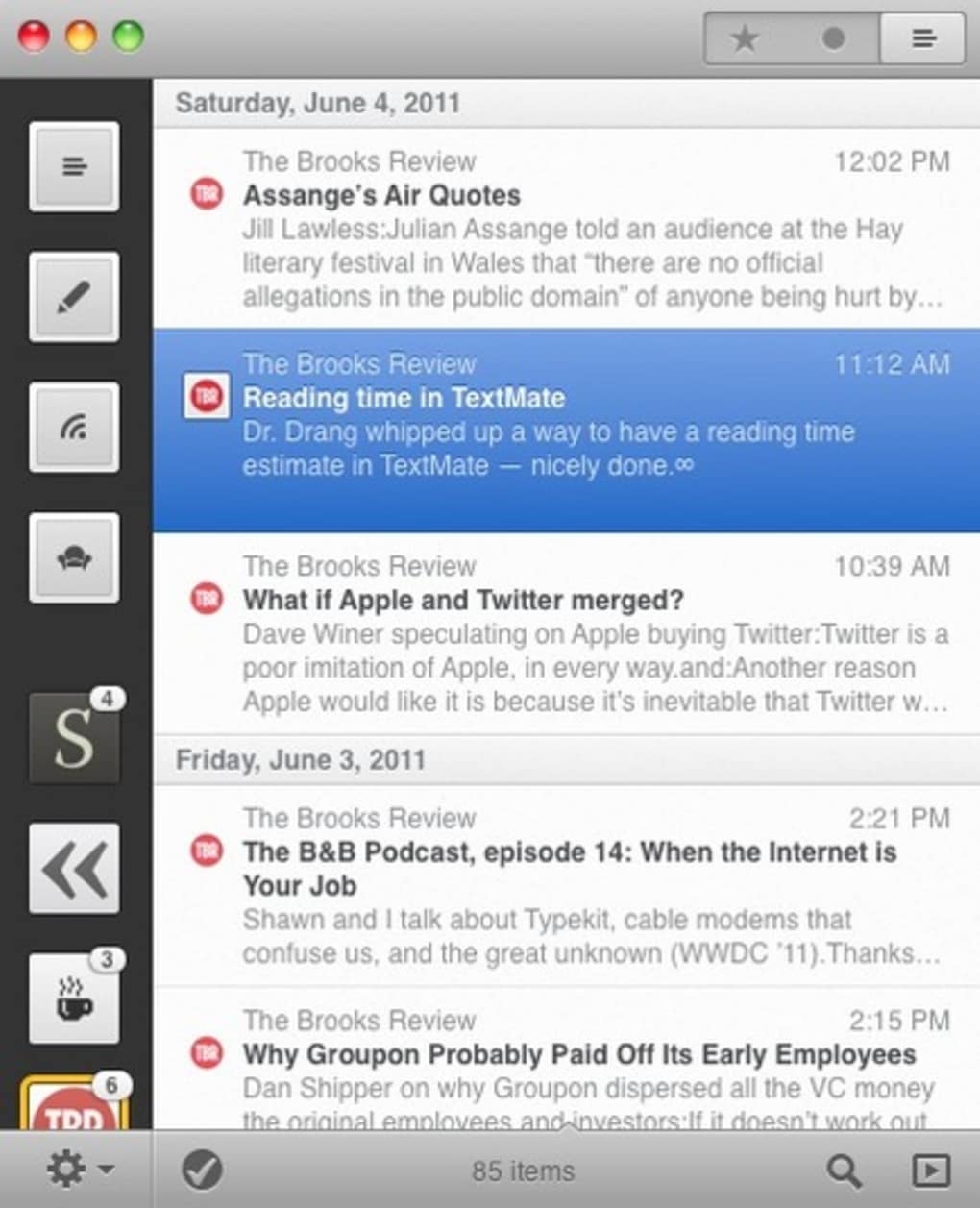
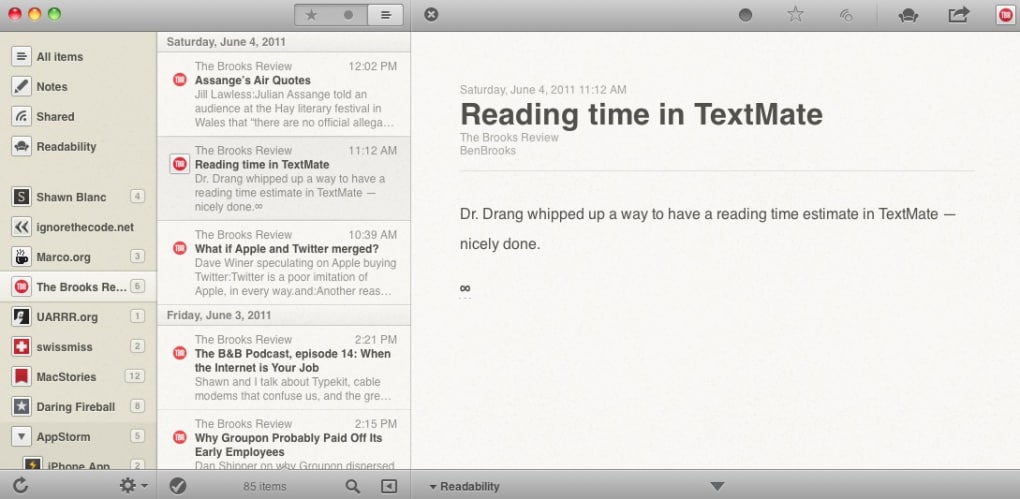
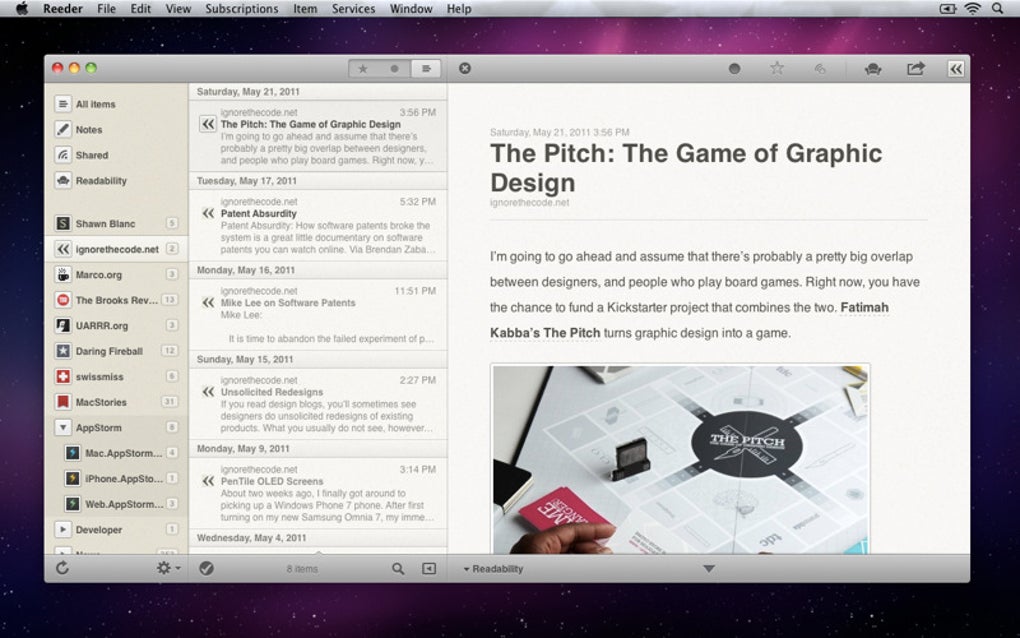
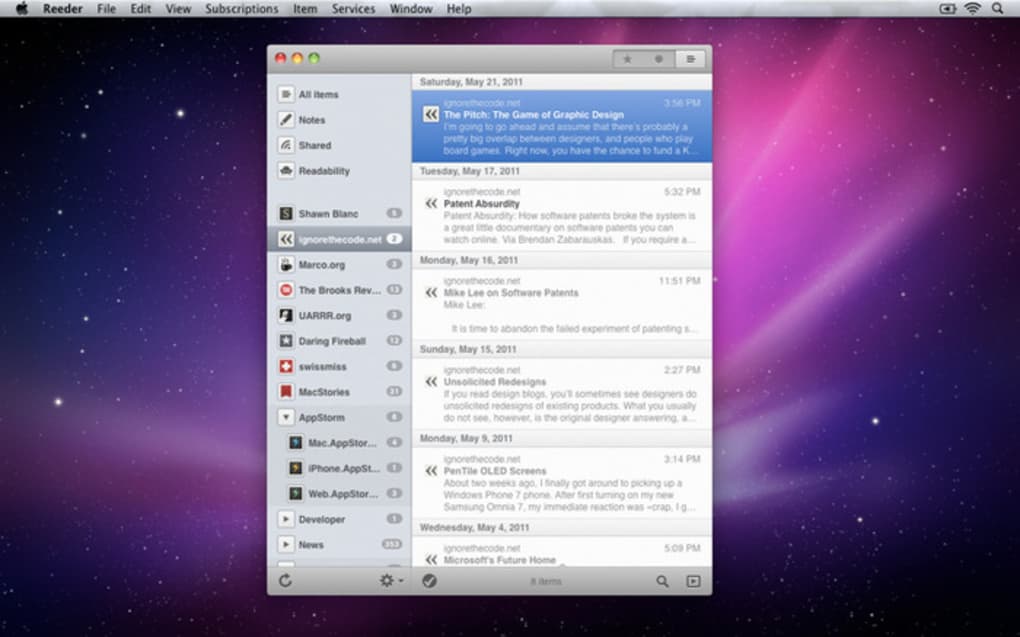
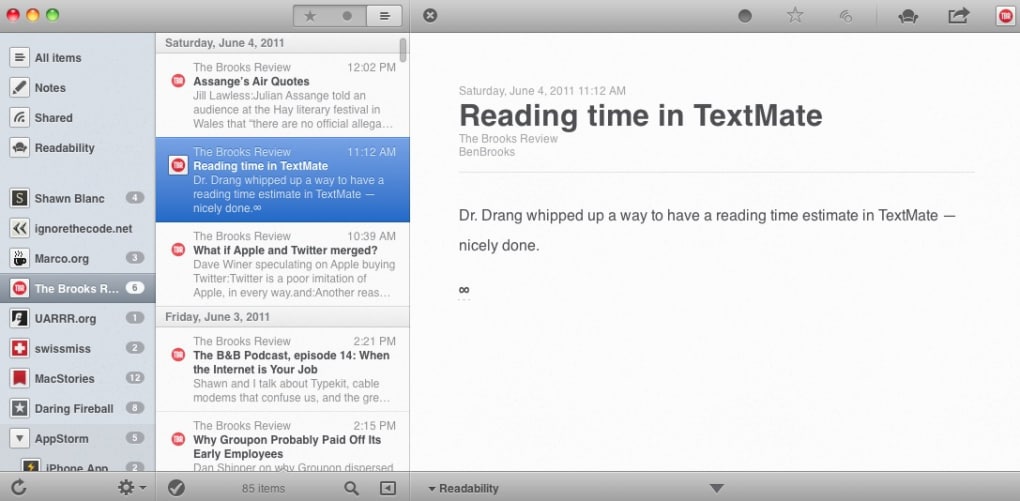
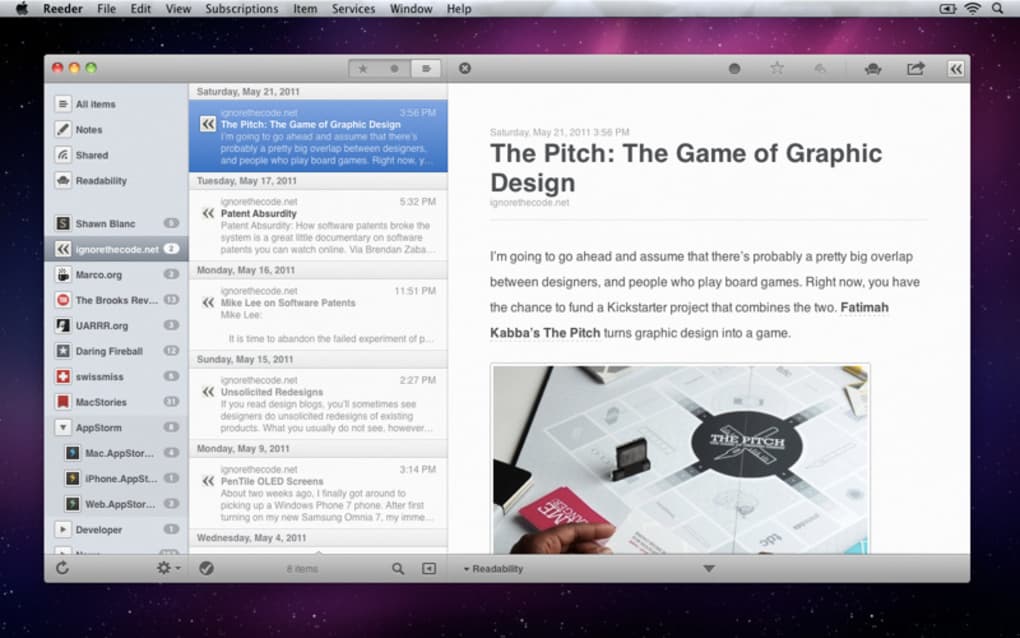
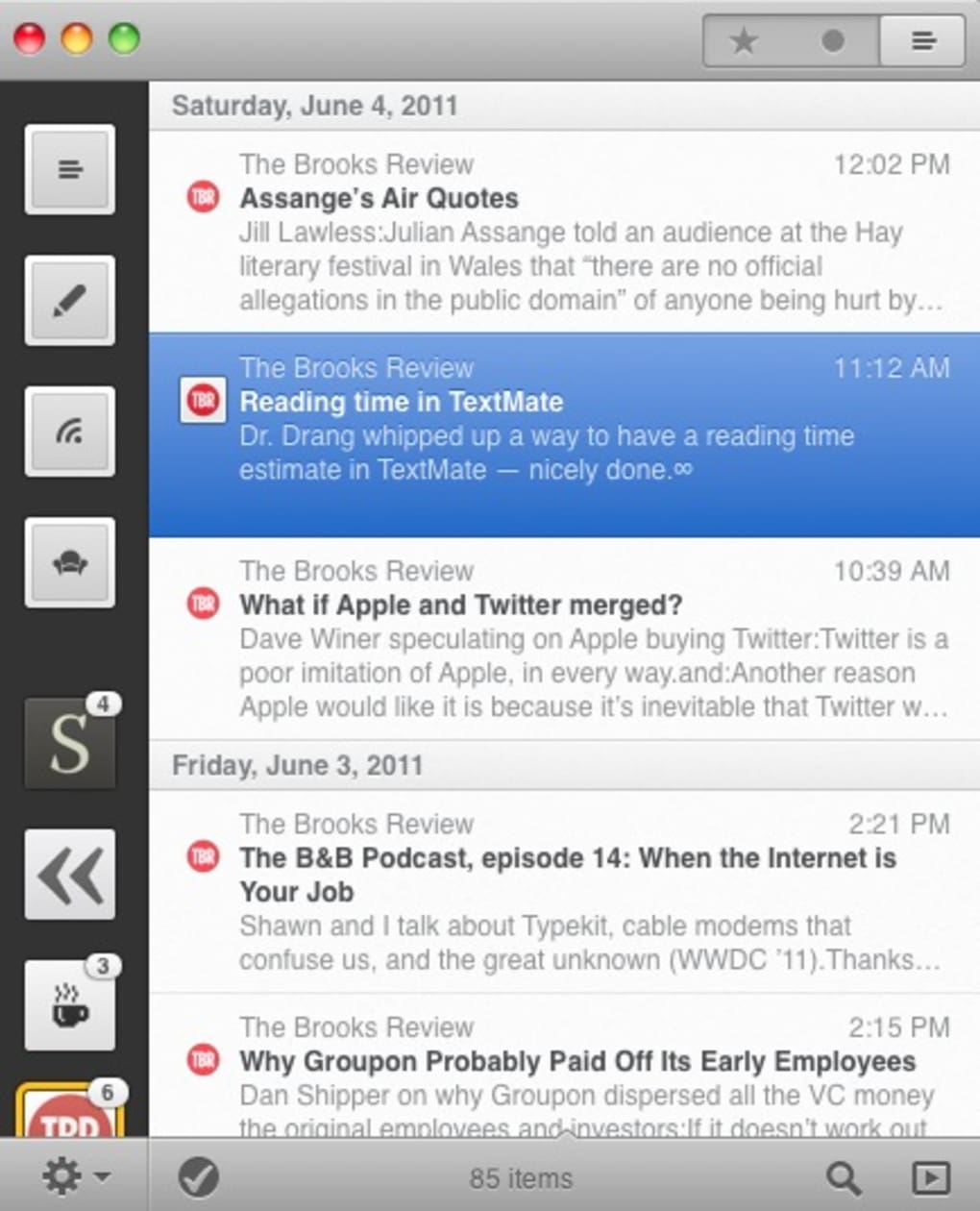
Reeder 2 brings the sleek, touch‑focused experience of the beloved iOS RSS client to the macOS desktop. Built around the legacy of Google Reader, Reeder 2 lets you consolidate all your favorite feeds, blogs, and news sites into a single, beautifully designed window. The app respects the original philosophy of simplicity: you see the content you want, without the clutter of ads, sidebars, or confusing menus. After a thorough beta phase where the application was freely tested, the final version now offers a polished, stable, and feature‑rich environment for anyone who values a clean reading experience.
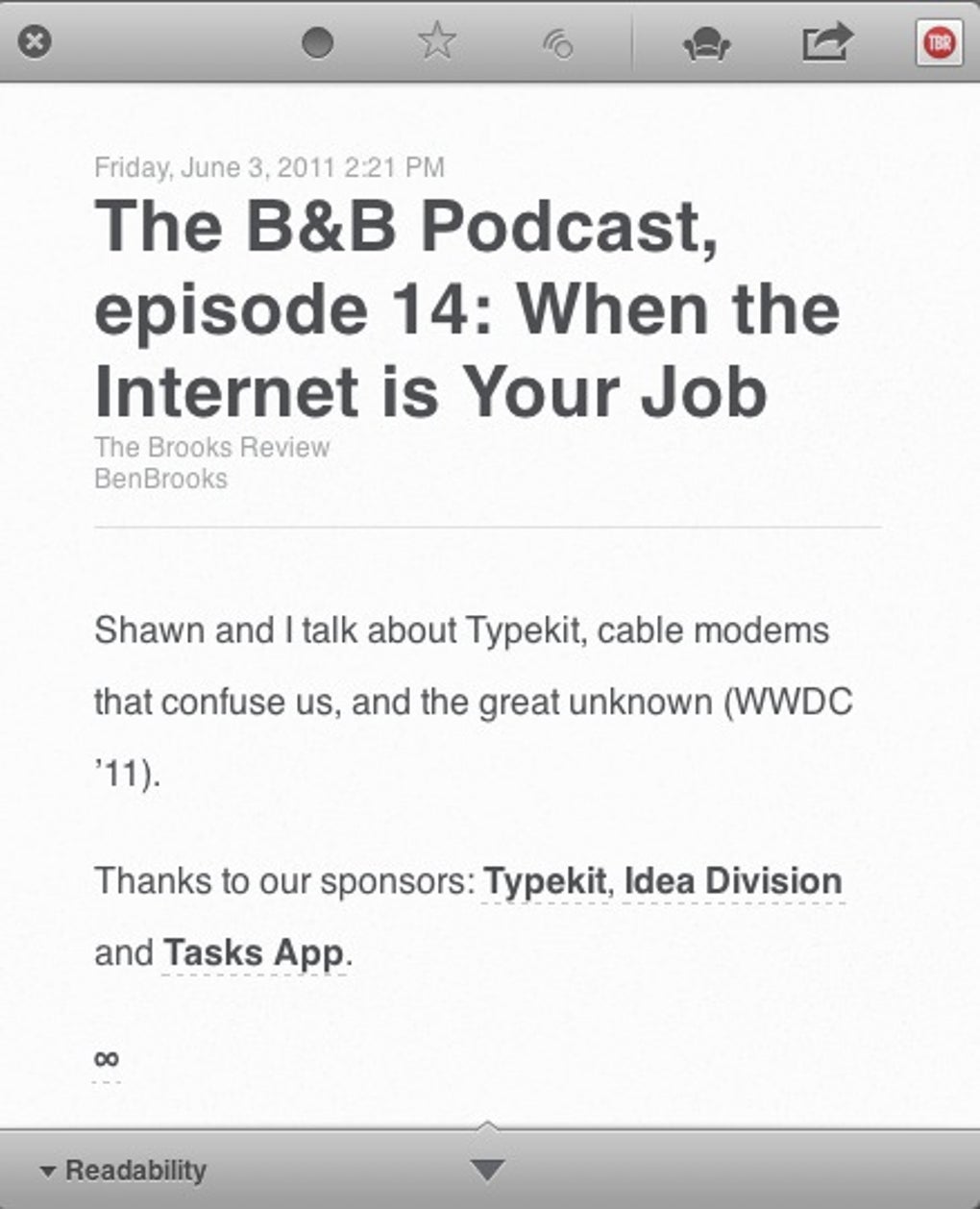
What makes Reeder 2 stand out is its deep integration with popular read‑later services such as Instapaper, Pocket (formerly ReadItLater), and Readability, as well as seamless sharing to Twitter. You can mark articles with a swipe, send them to your chosen service, and even sync reading progress across devices. The application supports both manual and automatic synchronization with your Google Reader account (or any compatible RSS service), ensuring that your feed list is always up‑to‑date.
Beyond the core reading experience, Reeder 2 includes a customizable interface that lets you choose from multiple themes, adjust font sizes, and enable a dark mode for night‑time reading. Gesture support on a multi‑touch trackpad mimics the iOS swipe actions, letting you archive, star, or share items with a flick of the finger. If you’re already a fan of Reeder on iPhone or iPad, the macOS version feels like a natural extension—your reading habits follow you from the phone to the desktop without missing a beat.
In short, Reeder 2 is more than just a feed aggregator; it’s a carefully crafted tool that respects your time, your eyes, and your workflow. Whether you are a power user juggling dozens of blogs or a casual reader who enjoys a tidy inbox of articles, Reeder 2 offers a secure, free‑to‑try, and constantly updated solution for macOS.
Core Features and Seamless Integrations
- Multi‑service Sync: Connect to Google Reader, Feedly, or any standard RSS source; automatic sync keeps your feeds fresh.
- Read‑Later Support: Instapaper, Pocket, Readability, and Evernote integration let you save articles with a single gesture.
- Social Sharing: Directly tweet articles or share to Facebook via built‑in shortcuts.
- Customizable Themes: Light, dark, and several accent color options to match your desktop aesthetic.
- Gesture‑Driven UI: Swipe left/right on a multi‑touch trackpad to archive, star, or share items.
- Offline Reading: Articles are cached locally, so you can read without an internet connection.
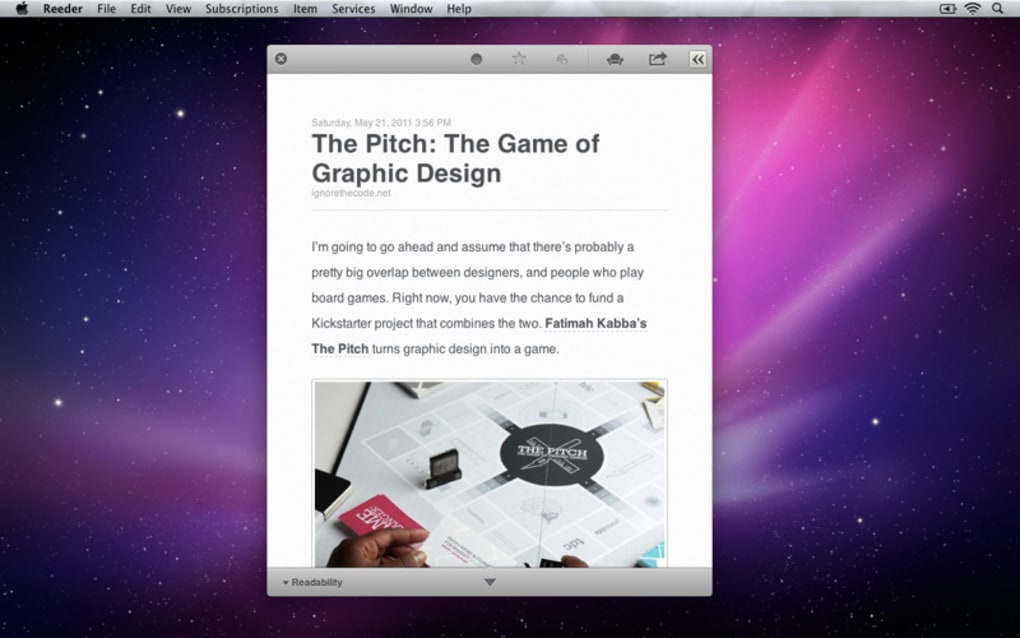
- Full‑screen Mode: Distraction‑free reading with a toggle for immersive focus.
- Keyboard Shortcuts: Power users can navigate, open, and manage feeds without leaving the keyboard.
- Smart Sorting: Prioritize unread items, starred posts, or newest articles with one click.
- Secure Authentication: OAuth 2.0 login ensures your credentials are never stored in plain text.
Every feature has been designed with the principle of “less is more” in mind. For example, the read‑later integration does not open a new window; instead, it silently transfers the URL to your chosen service in the background, keeping your workflow uninterrupted. The dark mode is not merely a color swap—it reduces blue‑light emission, helping to preserve eye health during late‑night reading sessions.
Another standout feature is the “Intelligent Refresh” algorithm. Instead of pulling every feed on a fixed schedule, Reeder 2 monitors update frequency and adapts its refresh intervals, reducing bandwidth usage while ensuring that the most active blogs appear promptly. This approach is especially valuable for users on limited data plans or slower connections.
Finally, Reeder 2 respects privacy. The app does not collect analytics beyond what is necessary for update checks, and all communications with external services are encrypted via HTTPS. This security‑first mindset makes Reeder 2 a trustworthy companion for both personal and professional reading.
Installation, Usage & Compatibility – Getting Started on macOS
Step‑by‑Step Installation Guide
Downloading and installing Reeder 2 is straightforward:
- Visit the official Reeder website or the Mac App Store.
- Click the “Download” button; the .dmg file will start downloading automatically.
- Open the .dmg file and drag the Reeder icon into your Applications folder.
- Launch Reeder from the Applications folder or via Spotlight.
- When prompted, sign in with your Google Reader (or compatible RSS) credentials using the secure OAuth flow.
First‑Run Configuration
After login, Reeder 2 automatically imports all your subscribed feeds. You can customize the view by selecting “Preferences” from the menu bar:
- Sync Options: Choose between manual refresh or automatic background sync.
- Theme Settings: Switch between light/dark modes and select accent colors.
- Gesture Controls: Enable or disable swipe actions based on your trackpad preferences.
Daily Usage Tips
To make the most of Reeder 2, consider the following workflow tips:
- Star Important Articles: Use a two‑finger swipe up to star an article for later reference.
- Send to Read‑Later Services: Swipe left and select the desired service from the pop‑up menu.
- Keyboard Navigation: Press J and K to move between items, O to open, and Space to mark as read.
- Full‑Screen Reading: Hit Ctrl+Cmd+F to enter distraction‑free mode.
Compatibility
Reeder 2 is fully compatible with macOS 10.15 Catalina and later, including macOS 12 Monterey and macOS 13 Ventura. The app runs natively on Apple Silicon (M1, M2) and Intel processors, delivering smooth performance on both architectures. While a multi‑touch trackpad enhances the gesture experience, all core functions are accessible via mouse and keyboard, ensuring that users with traditional input devices are not left out.
For power users who run virtual machines or Boot Camp, Reeder 2 can be installed inside those environments as long as the underlying macOS version meets the minimum requirement. The application also respects macOS security settings—if you encounter a “cannot verify developer” warning, simply open System Preferences → Security & Privacy** and allow the app to run.
Pros, Cons, and Frequently Asked Questions
Pros
- Intuitive, gesture‑based UI that mirrors the iOS experience.
- Robust integration with Instapaper, Pocket, Readability, and social platforms.
- Customizable themes, including a true dark mode for night reading.
- Offline caching ensures access to articles without an internet connection.
- Secure OAuth authentication and encrypted communications.
Cons
- Requires a Google Reader–compatible service; native Feedly sync is only available via third‑party plugins.
- Full gesture support is optimal only on a multi‑touch trackpad.
- No native Windows or Android version; macOS‑only limits cross‑platform usage.
- Advanced filter rules are limited compared to some heavyweight RSS clients.
- Pricing model is a one‑time purchase; no free tier beyond the initial trial.
FAQ – Answers to Common Questions
Is Reeder 2 still free to use?
Reeder 2 offers a 14‑day free trial. After the trial, a one‑time purchase unlocks the full feature set. No recurring subscription is required.
Can I import my existing OPML file?
Yes. From the Preferences menu choose “Import OPML” and select your file. All feeds will be added to your Reeder library automatically.
Does Reeder 2 support iCloud sync across multiple Macs?
Reeder 2 itself does not manage iCloud sync, but because it relies on your online RSS service (Google Reader, Feedly, etc.), any changes you make on one Mac are reflected on all devices that use the same service.
How does Reeder 2 handle large volumes of feeds?
The Intelligent Refresh algorithm batches updates and prioritizes active feeds, keeping memory usage low while still delivering timely updates for high‑traffic blogs.
Is there a way to export my read‑later list?
Exporting is handled by the external service (Instapaper, Pocket, etc.). Reeder 2 sends the article URL, and you can manage the export directly from the respective service’s web interface.
Conclusion – Download Reeder 2 Today and Transform Your Reading Experience
Reeder 2 stands out as a polished, secure, and highly functional RSS reader that brings the elegance of its iOS counterpart to the macOS desktop. By combining a minimalist interface with powerful integrations—read‑later services, social sharing, offline caching, and full gesture support—Reeder 2 makes staying up‑to‑date with your favorite blogs and news sources effortless. While it’s limited to the Apple ecosystem and relies on third‑party RSS services, the trade‑off is a focused, distraction‑free environment that respects your privacy and accelerates your workflow.
Whether you’re a journalist tracking industry news, a developer keeping an eye on tech blogs, or a casual reader who enjoys a tidy feed list, Reeder 2 offers a compelling mix of performance, customization, and ease of use. The one‑time purchase model ensures you won’t be hit with recurring fees, and the free trial lets you explore every feature before committing.
Ready to elevate your reading routine? Download Reeder 2 now, install it in minutes, and experience a smoother, more enjoyable way to consume content on your Mac.
Guides & Tutorials for Reeder 2
How to install Reeder 2
- Click the Preview / Download button above.
- Once redirected, accept the terms and click Install.
- Wait for the Reeder 2 download to finish on your device.
How to use Reeder 2
This software is primarily used for its core features described above. Open the app after installation to explore its capabilities.
User Reviews for Reeder 2 0
No reviews found





.webp)